 Hanna VoronovaCEOUnited Kingdom
Mobile app development today is very diverse. All this is done in order to reach all target audiences that may need application.
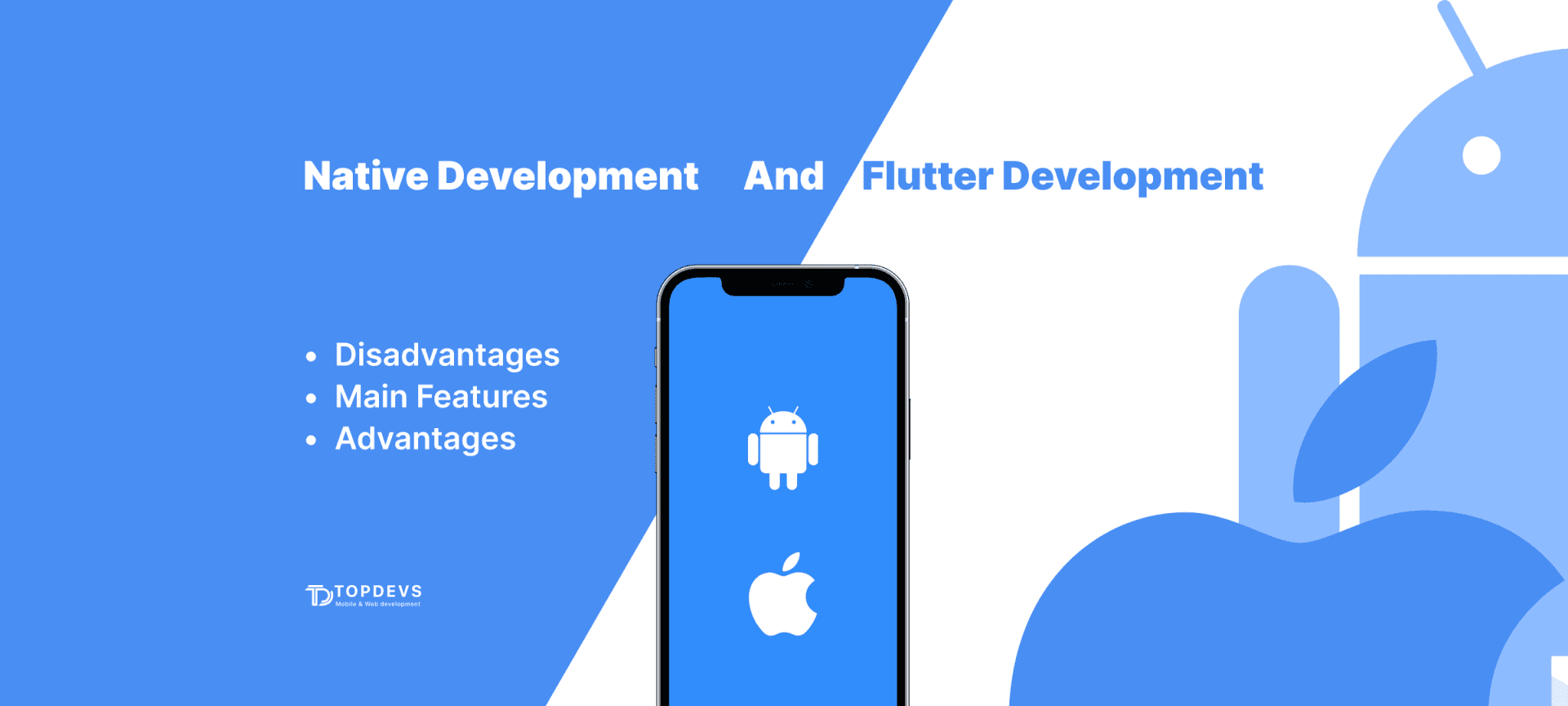
In this article, we will talk about two popular development methods: native development versus building an application using Flutter. These are two completely different approaches in terms of performance, efficiency, and set of technologies, and we believe that it is important to highlight the difference between them in detail.

In short, Flutter is Google's custom UI software development environment. Using it, you can quickly hold iOS development and Android development. It is one of the most popular frameworks for cross-platform applications.
Flutter's work focuses on two main vectors:
Flutter development runs on a language developed by Google - Dart. Originally it was thought that it could replace JavaScript. The main task of this language is the development of web page layouts, but it also proved to be good for application development.
Read also: 8 Steps to Understanding The Mobile App Development Lifecycle

The development of native apps means the creation of a living exclusively for one platform. It takes into account all the features and requirements of the platform and uses a characteristic set of tools. So, for Android development, Java or Kotlin is used, and for iOS, Swift or Objective-C is used.
Read also: Best Map API for Location-Based Services: Mapbox vs Google Maps vs OpenStreetMap
When comparing native development and Flutter development, it's important to be clear about what you expect from your application. On the one hand, Flutter saves time and money, on the other hand, you face a number of limitations. Scalability, adding new features, geofencing, camera/microphone access, automatic updates, and so on are all available by default only in native apps. Another important plus of a native application is the ability to personalize the offer to the user, thanks to deep analytics.

And here is what TopDevs Android developer Dmytro thinks about the confrontation between the two methods.
I didn’t work on the Flutter project itself, but on a native module that was responsible for only part of the functionality. And I can note that building the app, even with the slightest change, took a lot of time. When checking the application on the phone (I used my own testing device), there were a lot of errors in the work. It was literally impossible to use them.
The lack of a large number of third-party libraries has a very negative effect on working with Flutter. Actually, the presence of a native Android / iOS module of the functionality that I was working on is a consequence of the fact that there are still things in Flutter that can only be implemented using the native.
I got the impression that Flutter is suited only for demo versions of applications, in principle, I have met this opinion in many places. But there is a moment that you will still make a full-fledged application in the native development format. And therefore, in order to save money, it is better to write MVP on the native one. Since then it will simply be finalized into a full-fledged working product.
When choosing between Flutter and native development, you must understand what exactly you want to get from your application. If you want your business to be represented by a custom application with functionality suitable for scalability, or if you want to track the behavior of your users, then only native development will suit you.
Flutter development may be suitable, for example, as a trial version of the application or if you do not expect your audience to grow. With a template application, you will not be able to emphasize your identity, which means that your competitiveness will be much lower.
Based on our experience, we recommend giving preference to native development even at the MVP stage. In addition to the above benefits, you will also emphasize your status and that you can be trusted.
Your idea - our execution. Let's create meaningful solutions together!
Contact ustags
A Non-Tech Founder Introduction to the Successful Tech Product Development
January 26, 2025
How to Create a Dating App like Tinder: Tips, Features, Process, and Cost
February 7, 2022
MVP Development for Startups: How to Build, Test, and Launch an MVP Fast
January 29, 2026