The Right Way to Build a Mobile App with Geofencing

If you want to constantly attract new clients to enrich your business, it's time to learn more about geofencing. So what is it? And how to use it correctly? Find out in this article! This approach is widely used within modern mobile app development service solutions to deliver location-based engagement and personalized user experiences.
What is geofencing?
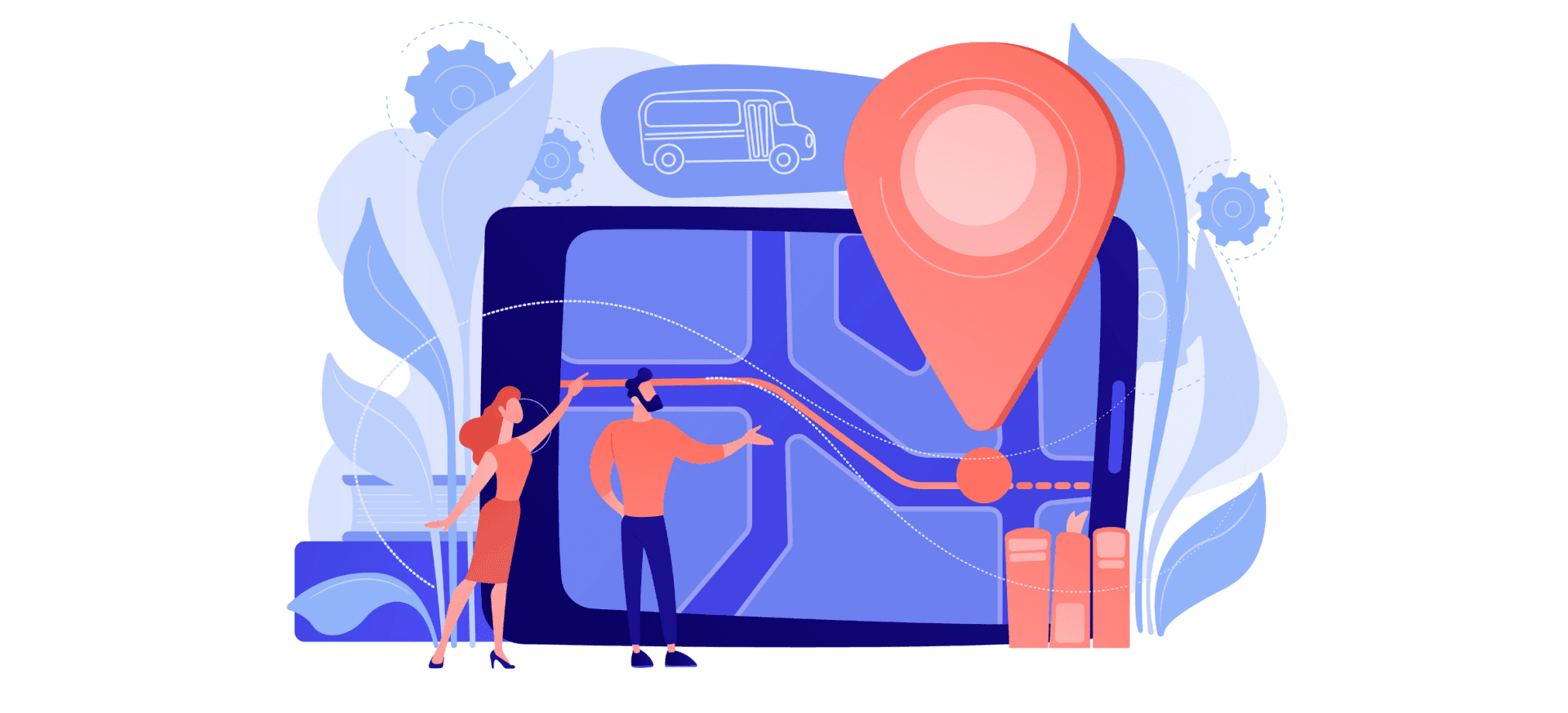
Geofencing is the creation of a so-called virtual "fence" around a selected geographic area. It is a virtual area (perimeter) around any GPS coordinates on a city map. Geolocation app is supported in iOS and Android (from version 2.2 and above). When a user enters such a zone with the device turned on, the designated action or notification starts. If earlier the use of such a function was expensive and rather rare, today it is possible everywhere, and the cost is more than loyal.
This function is used by a huge number of applications used in working timing trackers, purchase applications, navigators, and social networks. This feature helps a business to tell about itself, targeting those who really need it.
Thus, geofencing is a tool that allows you to react in virtual space to the actions of objects in the real world. This is a rather broad term, but the most relevant meaning in modern realities is the use as a lever of influence on a potential buyer when he finds himself in a designated area. After entering a geofence with certain parameters, a signal is transmitted to the smartphone, and the user sees a call to action or a proposal. For example, an offer to visit a nearby restaurant or to purchase a product.
Geofencing doesn't demand you to create anything physical - all of this happens virtually. You are obliged to designate the desired area on the map in the code and prescribe the conditions for interaction with the user when inserting the designated area.
What are the Basic Requirements for Geofencing?
To use the geofencing feature, you need a mobile app. It can be either your personal developed app or an affiliate one, depending on your capabilities and needs. The app should be installed by all those users whom you want to reach.
In addition, the user requires to have the authority to manage the geo location. Only in this case, you will receive updates about the user's location.
The OS of the application also matters. So, on Android, you have a choice of an approximate location (obtained from data from cell towers and data from a Wi-Fi hotspot) and an exact location (a compound of approximate location data and GPS data). As far as iOS is concerned, there are two types of access: when used and in the permanent access format (for geofencing in the background).
But remember that geofencing has some limitations in its use. E.g., in an indoor installation, you will have to install Bluetooth beacons or configure Wi-Fi access via geolocation confirmation in the device browser.
It is also necessary to consider the opportunity of geofencing in the background, the conditions of which are different for Android and iOS. Moreover, setting up a geofence can be literally unlimited. The minimum geofencing point depends on the real place and the accuracy of the GPS / WiFi data and technology stack. But the less the area, the less correctness in positioning.
There are restrictions on the form of geofencing. So, a round shape is considered a classic, although there is a possibility of rectangular or even polygonal. However, the peculiarities of the polygonal geofence detection settings can reduce the accuracy and reliability of the settings.
Since the Android and iOS SDKs have a number of differences when it comes to running in the background, it is important to consider all of them before developing an application. In addition to restrictions on the number of allowed geofences (in Android there are about 100, in iOS, there are only 20), it is necessary to think over a stack that will not overload the device's battery.
How Geofencing Works in Mobile Apps?
To install geofencing on a mobile device, you do not need any additional physical equipment. You need software that will be integrated into the mobile application, the management will be done through the online control panel or API.
The integration of geofencing into your application is defined by defining the goals and strategy of your application. The selected geofence should meet your needs and help you achieve your goals.
At the level of the hierarchy, the following levels can be distinguished:
- administrator (business owner);
- application with the built-in definition of geo-zoning;
- device user (customer or client).
First of all, the administrator must code the virtual boundaries of the geofence with GPS or RFID support. It is significant to specify the geofence in the code since, in order to reach the user, you need to obtain consent to use the location determination services. Thus, geofencing in a mobile application is a programmatic form that is processed through an online control panel or API.
To apply for geofencing, you must ensure that your application meets all the conditions. This is exceptionally true for iOS applications that are more skeptical about obtaining additional data about their users. In addition, most developers prefer to receive user location data outside of the application's user interface flow, hence the need to launch push notifications with a request to transfer geolocation.
Another important property that should be written in the application code is the ability to work in the background. Conditions and events for working in the background must also be written by developers in the code. For example, specify an entry point within the app that will be triggered when certain events are triggered.
What are the Benefits of Geofencing?
Geofencing is simply irreplaceable for local businesses that need to attract new customers and reward existing ones. Correctly configured geo-zoning can intercept a customer from a competitor. You can even set up geofencing at your opponent's location and offer customers discounts at your place.
Geofencing iOS app development should be used for receiving users' data, for further use in marketing strategy.
So, you can configure five central events when a user enters the geofence you have designated:
- Sending push notification
- Displaying visible content and multimedia in the app
- Collect analytics (in the background)
- Checking in / out
- Running something in a third party API
Translating these features into business language, you can use the following geofencing applications:
- An offer to dine in a restaurant for users who walk close to the establishment at lunchtime.
- Uploading information about exhibits to visitors.
- The system of recruiting points for loyalty programs in stores and establishments.
- Checking the booking of conference rooms.
Must-have Features for Geofencing
To start the geofencing process, it is necessary for the mobile device to enter the geofence. After such activation, the system initiates the pledged event and you get the desired result.
When implementing a geofence, it is necessary to take into account some points, let us dwell on the most significant ones:
- You should not bind geofencing to GPS alone, as this negatively influences the battery life of the device.
- The software must be fully optimized so that there are no problems with the accuracy of geo-zoning.
- Customer data should be used for personalization and targeting, but don't spam with events, identify the ones that are really important, and work with them.
In addition, when connecting geofences to a mobile application, it is essential to remember the conditions. You can get results only by observing them all.
- Correctly issued permission from the user. The authorization request is usually displayed outside of the app's user interface. As an administrator, you will be notified of every permission update, collecting clear statistics.
- The correct definition of geofence. It is expected to specify the latitude, longitude, and radius of the selected zone and its ID.
Also indicate:
- types of events;
- time spent in the geofence to receive the notification;
- start and end time of user monitoring in the geofence.
Cross-Platform vs Native Apps: Why Only Native iOS Apps Can Integrate Geofencing
Native apps are produced only for a particular platform. They are written in a language agreeable with the platform, for example, iOS favors Objective C and Swift, and Android prefers Java. With the right programming language, you can use the full potential and capacities of the platform. But native applications can only run on the OS for which they were created. When you hire developers for a project, check out his portfolio for examples of working with the required stack.
As far as cross-platform apps are concerned, they can run on various platforms. Since most devices today run on Android and iOS, basically, all applications are created for them.
Today, there are some cross-platform app development tools that enable you to build applications effortlessly.
The three main parameters by which native and cross-platform apps are analyzed are:
- Feasibility
- User experience
- Functions.
In all respects, native app development outperforms competitors. For example, native iOS applications significantly outperform competitors in usability and administration.
In addition, iOS has different geofencing settings and implementation methods than Android. It is not reasonable to configure inheritance methods correctly between the two platforms as they have different interfaces and different contracts. Accordingly, for the proper operation of an iOS application, app developer must use exclusively native development.
But it is important to understand that nativeness and cross-platform functionality depend a lot on the app itself. A mobile game can be quite bearable when it is cross-platform, while applications with certain services require to be native in order to function.
Cross-platform is often chosen by small businesses because it can be cheaper, but such savings can lead to a decrease in productivity, so it leads to a drain on the budget. So, the conclusion is: create a native app and get a real profit and effectiveness.
How to Integrate Geofencing in iOS app?
iOS app development has its specific features. To operate with geofences on iOS, you first require to import a framework called CoreLocation. In addition, it is needed to implement background functionality by enabling Background Modes in Signing and Compatibility and enabling area service.
Once you have defined the range and set the identifiers in the CLCircularRegion, it is necessary to tackle setting up notifications in the geofenceRegion:
geofenceRegion.notifyOnEntry = true
geofenceRegion.notifyOnExit = true
By designating both values as true, you specify that the app should start under these conditions, and it will know about this thanks to the locationManager. Don't neglect to add the monitoring command: locationManager = CLLocationManager ()
locationManager.startMonitoring (for: geofenceRegion)
There are some special conditions here:
- the app can register up to 20 geofences simultaneously;
- when registering a region with the same identifier as for another region that is already being tracked, the old region is replaced with a new one;
- once monitoring starts, it is used by all location managers in your code, which means;
- to receive notifications about region events (input/output), both methods must be implemented from the CLLocationManagerDelegate protocol.
You should specify the locationManager (_: didEnterRegion :) method, which will be applied when the user is in the geofence you have defined. To leave the region, you should apply the method locationManager (_: didExitRegion :).
After the correspondences of events and methods have been named, it is necessary to issue permission from users through RequestAuthorization (options: CompletionHandler :).
It is undesirable to ask the user for permission as soon as he opens the application for the first time, look for the right moment when such an "intrusion" will have minimal impact on the user experience. Native iOS app development will save you from surprises in the form of problems in the operation of the application and the subsequent negativity of users.
Famous Examples of Geofencing
Let's talk about a few examples of geofencing in mobile development that we've all come across.
Uber
At the Los Angeles airport, Uber uses location services, bypassing the lack of a license to operate. This way, when passengers land and turn on their phones, they receive a push ad asking them to call Uber. Why look for a taxi driver in an endless line when you can call the usual Uber?
Burger King
Burger King launched a "Whopper Detour" campaign trolling McDonald's. The company has built a 600-meter virtual wall around rival restaurants, offering all McDonald's diners Whopper burgers (for 1 cent) via the Burger King app. It raised the app to 1st place in the App Store and over 1,000,000 downloads as a result.
Dunkin'
The company gave information to everyone who recorded their geofence. On National Donut Day, Dunkin' cooperated with Snapchat to offer a custom filter via location access geofencing. If people were in the Dunkin' geofence and tore off Snapchat, they could use this filter. Great idea for getting customers who were encouraged with a free donut during shopping.
Conclusions
Geofence is the most solid way to signal the user's area through the app. Depending on the OS of the device, you have different options.
The notion that geofencing dramatically reduces battery power is outdated. You can customize the timing of the processing of information by the application, saving power and increasing efficiency.
The most important thing for application developers is the fact that geofences allow them to make their applications smarter and bind them to the context. This approach increases reach and leads a relevant target audience to the business.
Create a geolocation app with TopDevs specialists and get more profit as soon as possible!
Your idea - our execution. Let's create meaningful solutions together!
Contact ustags