All About macOS App Development: Tools, Costs, Best Practices

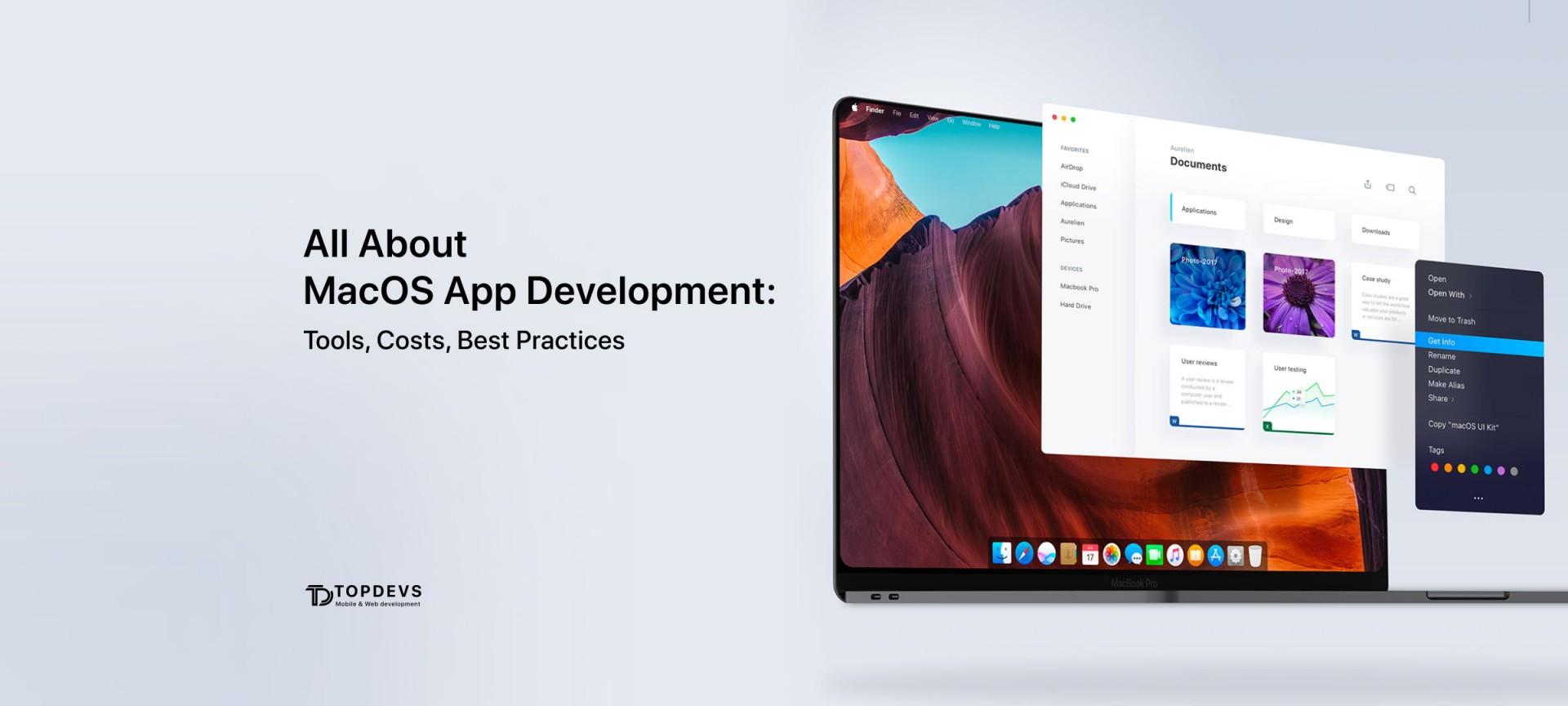
macOS development is a multifaceted area that can help your business. What legal aspects of macOS development should be considered? What are the main difficulties of implementing on iOS and what budgets will you need? TopDevs experts will talk about all this in this article. The insights shared here are also highly relevant to modern mobile app development, especially when building applications within the Apple ecosystem.
How macOS Development Differs From iOS Development
iOS and macOS development have a number of features to consider when getting started with Apple devices.
Let's consider them in turn:
- Interface. This is the basic difference between macOS and iOS, since macOS does not have a touch screen in the lineup.
- File system. Each file operation in iOS lasts quite a long time, although the processes on the iPad are faster than on the iPhone, but much slower than on macOS.
- Application complexity. Most apps run strictly on macOS or iOS because mobile devices don't have enough RAM to process them.
- Application platform. Applications for macOS are developed in the AppKit software environment, while for iOS there is a UIKit environment. Each of them offers all the necessary elements to automatically generate the interface, and simplify the work of developers.
- Setting and customization. macOS is more simplified to set up, while iOS has more limited customization options.
- Application features. macOS provides more diverse and complex functionality.
The Essentials of Native macOS App Development

While talking about technologies used for building macOS apps, let’s start from the programming language.
Development of applications for macOS is carried out in the Swift language. It is an intuitive language with great possibilities. It combines the best of C and Objective-C to create products for iOS, OS X, tvOS, and watchOS.
Among the features of Swift is the creation of immersive and client-oriented applications that can be scaled.
The main advantages of macOS as part of a closed ecosystem are privacy, predictability and security.
As for the development environment, Xcode, developed directly by Apple, is used for macOS, iOS, watchOS, and tvOS platforms.
The challenges of building a macOS App:
- compatibility with different versions of the platform;
- compliance with official Apple requirements;
- the ability to update the software if necessary.
macOS App Development Process
Developing apps for macOS is little different than any other development process. Since the number of Apple devices is limited, development can be templated, optimizing time and budgets.
So, the main stages of development:
- Research: study your target audience and competitors, identify the tasks you want to solve and correlate them with the capabilities of the platform.
- Personalize macOS features: Here you can determine the complexity of the application, select drivers and install monitoring systems for all levels.
- Development and testing: in addition to the development itself, it is necessary to conduct all types of product testing.
- Listing on the Apple App Store: Your app needs to meet a number of requirements in order to get it on the store smoothly, so it's best to leave it to the professionals.
- Post-release maintenance and support: In order for the application to remain reliable and efficient, as well as to be able to refine and update it, further support of the application by developers will be required.
The Best Practices in Creating macOS Applications
There are a number of requirements for applications on macOS that allow you to demonstrate best practice cases. Let's consider the main aspects of successful implementation of applications for this OS.
All necessary loads must be autonomous
You must ensure that updates can be downloaded automatically, without the need to connect to other resources.
Lack of user interaction in enterprise deployment
All decisions that occur at this level should occur automatically, without asking permission from clients.
Windowed Login
The ability to install an application outside the context of a specific user environment is a great solution.
Installer Load Distribution
By separating toolkits and/or applications into separate installations, you will reduce the burden on IT administrators in a company.
Use modern scripting shells and libraries from Apple
Outdated components not only lead to unpredictability in operation, but also lead to a complete failure of the OS.
Read also: How to Track Your Customer Behavior Through a Mobile App
How Much Does It Cost to Make a macOS App?
Speaking about the cost of applications for any OS, it is important to remember that the cost of development depends on a number of factors. The cost of an MVP (which we always recommend starting with) starts at $10,000. The cost of a turnkey application can reach even $100,000 if it is a unique high-quality product with a complex design.
The main factors that affect the cost of the product:
- who is developing (hire outsourcing company or outstaff cooperation, level of developers, country);
- how the application is created (from scratch, refinement, basic templates);
- application goals (monetization, brand representation, complex structure with geofencing);
- geography (which countries and language groups the application is designed for);
- design (simple and concise, complex, unique).
It is important to note that before starting work on the application itself, it is important that a business analyst conducts market research, identifying your niche among competitors. Only in this case the application will be successful. You can hire iOS developers, but it is better to find macOS developers.
Read also: How to Hire Top Mobile App Developers for Your Team: Tips, Costs & More
TopDevs Experience in macOS Development
As the mobile app development company, we have two relevant cases in our macOS developer’s portfolio: Neuxpower and Mac Admin (Logbook).
The Neuxpower application acts as the tool to optimize the most common files (pdf, docx, ppt, jpeg, png, xlsx) and reduce the size of each file based on the user's personal settings and saved profiles. It can be used not only by corporate clients, but also by ordinary users to optimize the weight of files of various office formats. This was a redesign and functionality of the app to match the Windows application, there were also architectural changes to adapt SandBox to the app and work on the new macOS starting from BigSur, while not dropping support for older OS.
The application Mac Admin acts as the admin application to maintain and fill the content on remote DB for golf clubs. New screens adding, new features adding, like hotels booking, ads controlling. Also made UI improvements for different macOS versions and migrated Parse SDK to new API and servers after initial shutdown.
Conclusions
Application development for macOS has its own characteristics and specifics. Even with extensive experienced iOS developers will have to familiarize himself with the technical documentation and requirements that Apple puts forward for macOS developers.
Only by following all the rules, and in cooperation with experienced responsible developers, you can get a reliable product that will win a large audience.
Your idea - our execution. Let's create meaningful solutions together!
Contact ustags