Mobile App Design Fundamentals: User Experience & User Interface

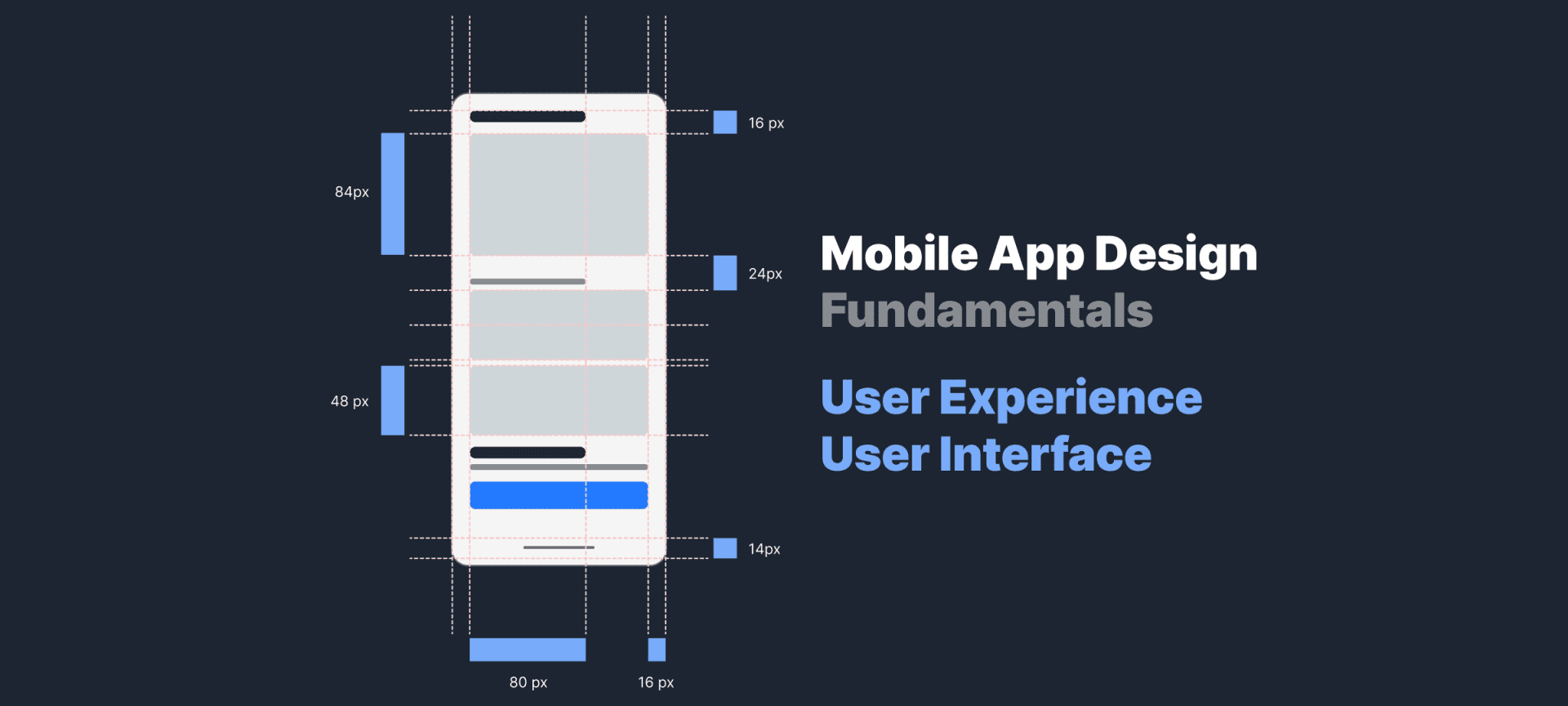
UX and UI design are the two key pillars of design. It is important to remember that user experience and user interface are different things and therefore require different approaches and technologies. In this article, we will explore all the main differences between UX and UI, which will come in handy in mobile app development at all stages.
What Is User Experience?
User Experience (aka UX) design refers to the way a user interacts with and uses a product / system. Ease of use and overall efficiency are considered here. Good UX brings back users and increases their loyalty. It should be remembered that the user experience is a completely subjective vision, but there are some aspects that are considered required attributes and are considered objective.
So, one of the main requirements for the user experience is the absence of fuss and unnecessary waste of time when searching for the desired functions. After that, ease of use and clarity is appreciated. The real key to success here is not only in a pleasant design, but also in a complete connection with marketing expertise and all types of design (industrial, graphic, and so on).
Thus, UX is a broad concept that encompasses not only experience usability but also constitutes the overall presentation of your company through the eyes of customers.
What Is The Design Thinking Methodology?

Design thinking involves several basic processes: empathy, definition, idea generation, prototyping, and testing. This methodology is flexible and iterative as much as possible, in addition, it necessarily takes into account the emotions and way of thinking of the end user.
If we talk about the higher levels of UX methodology and design thinking in general, they provide ready-made solutions for the client's pain and help to achieve business goals.
Design thinking helps you build user paths and prioritize features by highlighting them with design tools. After everything has been thought out and tested with hypotheses, the product goes into development.
After that comes the stage of UX development with the addition of various visual effects and branding to the design. With a well thought-out strategy, the user will receive the most understandable navigation with tips. Most often, the UX precedes the UI, although in some cases it can be placed vice versa.
What Is User Interface Design?
UI and UX have the same goal: to give a user the most positive experience from using your product. But if UX gives an impression of overall interaction, UI design is what you use to interact with the product. That is, the UI is focused on hypotheses about what the user might need and how to arrange the interface elements so that they can be easily found and used. This also includes the voice-controlled interfaces, which fall into the trends of applications of recent days.
The user interface aims to combine the concepts of information architecture, visual design, and interaction design. Simple and enjoyable designs are what all designers strive for.
Read also: 8 Steps to Understanding The Mobile App Development Lifecycle
UI Design Principles
Even if you've invented something completely new in design for your product, you need to follow the basic principles of user interface design. Let's take a look at the basic UI design principles to keep in mind when getting started.
Clarity
Intuitive navigation and clear icons that look familiar to all users. The entire design should quickly lead the user to what they are looking for. This is the core of the interface design principles.
Familiarity
Since there are unspoken details that are on every site, for example, the red exit button is what they will look for in your product as well. Don't confuse the user by using unexpected colors or unusual arrangement of controls.
User control
Even with an intuitive interface, users can click the wrong place or get confused in the menu. Let the user go back and undo the last action.
Hierarchy
Arrange menu and control elements so that the user clearly understands what he needs to do and where it will lead. Visual effects will help a lot with this. Things like color, size and fonts used here matter.
Negative space
Leave space on the screen without flooding it with icons and text. An overloaded interface confuses and depresses the user, remember this.
Flexibility
Your product should be effective for new and old users. Examples of flexibility include an advanced search filter and shortcuts to popular features.
Adaptability and access
Remember that users may use different devices and may have health issues. Your product should be convenient for everyone.
User Experience vs User Interface

Based on basic concepts, the user interface is all the elements that allow the user to interact with the product, and UX is what the person who interacts with this product takes from the whole experience.
Considering, for example, the Google search engine, we can say that both the UX and the UI are thought out perfectly here: the user understands what he/she should do to get information, and getting the information itself takes a couple of seconds.
Also among the main differences between UX/UI:
- UX design is about identifying and solving pains and problems that the user has, while the UI is responsible for creating intuitive interactive interfaces.
- UX is at the forefront of product development, after which they move on to the UI, filling the user path with interactive and visual elements.
- If UX is applicable to all products, then UI is specific to digital products and experiences.
Reasons Why Your App Needs an Efficient Ul/UX design
UX / UI design can influence sales and business loyalty among users. It should be remembered that the user always has a choice, and if he/she does not like your product, he/she will choose a competitor's product. You have a minimum of time to win the visitor's favor, and it is the UX / UI that decides everything.
So, having a good design for your product has the following benefits:
- increasing return on investment through customer satisfaction;
- a better understanding of your audience through analysis of the product and interaction with it;
- building and strengthening a brand with user support;
- saving time and money on constant improvements and updates.
So, in addition to aesthetic appeal and a pleasant impression, a good design increases brand loyalty and the desire to come back here the next time. The importance of UX / UI can hardly be overestimated for a business of any size
The Stages of a Mobile App UX/UI Design Process

The app design process associated with UI / UX design can be roughly divided into 5 main stages, each of which has its own meaning. Let's consider each of them in more detail.
1. Definition of the product
This will require engaging business analysts and research to determine the wants and needs of your audience. At this stage, the scope of work is determined and constant continuous work with the client takes place.
2. Research
At this stage, it is important to carefully study your competitors and major trends in UI / UX in order to identify the most effective and working schemes that you can apply.
3. Analysis
This requires you to create hypothetical characters and experience cards. This will allow you to better think through all the details and accurately reach the target audience.
4. Design implementation
The stage at which designers create a design, taking into account all hypotheses and requirements. A mockup is created first, followed by mobile app prototyping and design specifications.
5. Testing
This is where the quality of the final product should be determined and a list of potential improvements is generated.
How To Test Your Designs
It is important to conduct testing to clearly understand the first impressions of users. It takes less than one second for a user to create a first impression of a product, so every detail counts.
Use these testing methods to keep your product flawless:
- Preference test: show the user two design options, ask him to choose and argue.
- User Survey: ask the user about the details of the design and its features.
- 5 second test: let the user describe his emotions from your design after just 5 seconds.
- First click test: the user must perform any action on any page.
Even if you do not have the resources for a focus group, you can conduct such mobile app testing with the resources of company employees. The search for any given action on the site or in the application should be as fast as possible. You can test it still at the prototyping stage, or on the finished product.
How Much Does It Cost to Create a UX/UI Design for a Mobile App?
Each IT company has its own rates and the level of professionalism of its employees, but almost everyone uses this formula:
hourly rate x number of hours spent = application development fee.
It is also important to understand whether this solution is cross-platform or native, as this affects the final cost.
The work of skilled UI / UX professionals differs from country to country:
- USA, Canada - from $100 to $150 / hour;
- Eastern Europe (including Ukraine) offers great designs for between $25 and $49 / hour; Australia gets between $100 and $149 / hour;
- Western Europe and the UK charge between $50 and $99 / hour;
- India runs between $25 and $49 / hour.
But not only the cost is important, but also the result, so do not forget to familiarize yourself with the mobile app development company's portfolio before starting cooperation.
TopDevs' Approach To Design
Daria Popkova, Team Lead of the Design Department of TopDevs, tells about the company's approaches and methods in working on the design.
1. How is the brainstorm regarding the new design for the project going on?
It depends on what we are doing the design for. If we need to create a user centered design for a mobile application, and there is only spec from the client, and the direction is the new one:
We draw parallels with already known products. We carry out research of competitors (in our case, very shallowly, only in order to understand what is happening).
There is a set of generally accepted options, such as login, password change, and so on.
There is a set of options that are carried out usually - these are quantitative research, in-depth interviews, for example, the creation of personas (we do not do them, there is no time.) Instead of all of this, we simply write questions to the customer, and he, based on the fact that knows for whom the application is doing, and what he wants to see answers these questions. Calls help a lot, because in the dialogue, questions and answers pop-up, which are sometimes forgotten in advance or not provided.
It often happens that one thing is written in the document, but other circumstances are clarified during a conversation with a client. Or here's an example, when a customer forms a spec for a project himself can miss the necessary connections, and we think over these connections and ask him.
In general, we do it this way, we gather together and discuss the way we’ve understood the client, where the requests came from, and which solutions were developed.
Also, it very often happens that there is a stable spec, which I read about, discuss it with the PM, and come up with flow scenarios. I make a very simple prototype, on the basis of this, the mobileists make an assessment, we discuss, I change my assessment and the prototype regarding their opinion.
It turns out differently every time. We apply to depend on the client's needs.
But always, after getting acquainted with the spec, questions are posed for the client. In general, there is a whole brief of the necessary questions, there are at least 30-50 of them, and this is only by mobile app design. We do not create them all, so as not to jerk clients.
It turns out that there is a set of "correct" and prescribed actions, but there are actions that work in the real world and we change them depending on the customer. Both paths have arguments "pro" and "cons".
I can say that the brainstorm we have is a collective mind.
If we are talking, for example, about redesigning the Web, for example, then, of course, the product is analyzed for usability, otherwise, everything is meaningless
2. How do you work with clients who don't know what they want?
This is where the client brief works well to identify the needs. That is, we help shape the client's desire into a number of specific tasks. The most important thing here is to hear the customer and find out for whom he creates a product, what he wants to achieve. Then we formulate thoughts into a prototype, it so happens that the customer, seeing the prototype, is competitive with the product. Or, for example, he will reformulate his request. In other words, in the process of dialogue, understanding what and for whom, we offer solutions. It is also very important to ask the client what he likes and what service or product he considers a good example. This is especially helpful in creating UI.
3. Tell us about the last project (what trends were used, what difficulties arose)?
A payment system that interacts very closely with the Stripe payment system.
Here we focused on the one provided by the client (a very much simplified KJM).
We used the new Figma options to draw the flow and to reflect the interactions.
We have created a clickable prototype, it is convenient and easier for the client, but you need to understand that creating clickable prototypes greatly delays development time.
As a result, we created 8 of them. There was also a difficulty in interacting with Stripe, since they have a lot of their own documentation and other information that needs to be interacted with. It was also necessary to coordinate and implement the client's wishes with the capabilities of the law and user privacy. All this information had to be worked out and implemented. first in a simple prototype, and then in a clickable one.
Trends: applications are native, so the architecture, logic and interface elements were used according to the design systems.
As clients wanted at the onboarding stage, we created an animation that reflects the essence of onboarding. Customers asked for minimalism in design, so we did everything concisely. The application is financial - therefore, we tried to use patterns of behavior already familiar to users and tested scenarios.
The main focus was on quality users’ interaction with the product.
Summary
Ul / UX product design for your mobile app or website is key to shaping your product experience. But you cannot achieve great results if you do not study the needs and goals of your audience.
Analyze the market, identify pains, find solutions and implement them with the help of real professionals. Test your product before offering it to your customers. Engage with users and listen to their feedback, only then you can increase brand loyalty and sales.
Your idea - our execution. Let's create meaningful solutions together!
Contact ustags