
How to Launch Your App from Old Xcode on Newer iOS Devices

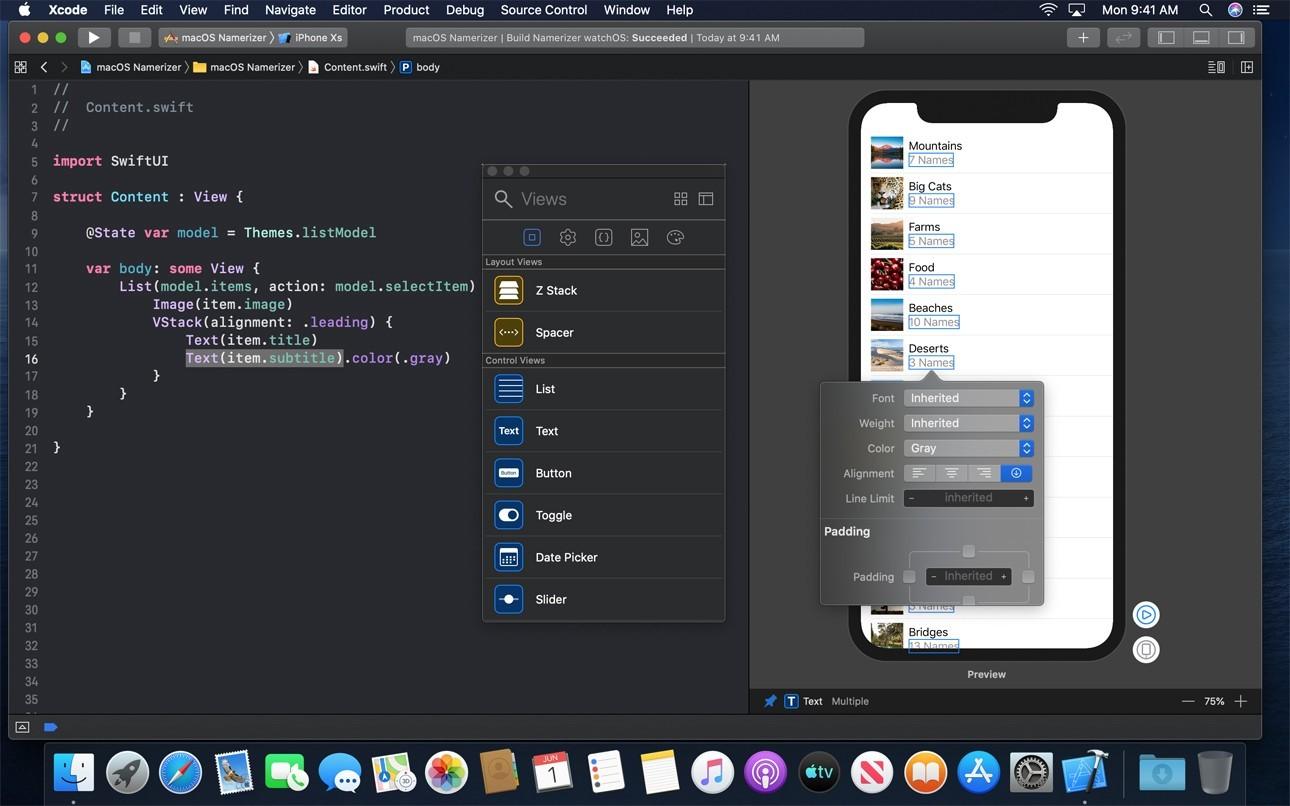
Xcode is a versatile development environment for compiling diverse apps for all Apple platforms. This toolset offers a variety of functions to create mobile apps as well as refactor code swiftly.
It is definitely more convenient to have the latest release of Xcode to build, test, and debug mobile apps before submitting them to the App Store. However, it may happen that the mobile app developers face the challenge of working on a project that is not compatible with the latest beta version of Xcode. In this case, it is hardly possible to debug on an iPhone using iOS 12.0 as the code requires, for example, employing Xcode 8.0. So what to do in order to run an app?
One possible solution lies in migrating the project to the iOS 12 SDK, but this would take more time while there is great pressure to meet the deadline. Luckily, there is one faster way to get out of this trouble that many iOS developers find advantageous when it comes to adjusting code to a particular iOS version.
The most sensible solution is to make an older version of Xcode work with a newer version of the iOS SDK. This fast technique helps to build, link, install and debug apps compiled in older Xcode onto Apple devices running iOS 12.0 and higher.
Core Reasons to Employ the Hack
As a rule, there are two main reasons for employing this life hack:
- It is relevant when there are apps created for older iOS versions, while there is a need to debug them using the latest iOS versions.
- After the release of new iOS features, it's important to test the code written for an older iOS in a newer one without destroying the Xcode through installing beta software.
Read also: How Much Does It Cost to Make an App in 2021?
Important Steps to Take
If either of these two cases is yours, it's better to choose the most reliable and safe way out. The next easy six steps will help to make the code compatible with a needed iOS version:
1. Open the «Applications» folder on your Mac machine.
2. Press "show Package Contents" for a newer Xcode (currently Xcode 10 is the newest).
3. Open "Contents" folder and go this way:
.../Contents/Developer/Platforms/iPhoneOS.platform/DeviceSupport
4. Copy the folder with a needed iOS version (iOS 12.0, for example).
5. After that, go to Applications folder -> open "Package Contents" for an older Xcode -> paste the previously copied folder to the contents of the older Xcode:
.../Contents/Developer/Platforms/iPhoneOS.platform/DeviceSupport
6. Re-launch Xcode. From now on, it will be possible to compile and launch apps from previous versions of Xcode on devices with the latest iOS.
This tip is a flexible solution for such a problem. Since Apple has always been subtle in giving strong incentives, iOS developers have no choice but to keep up with advancements.
Read also: How to Adjust Applications for Apple Novelties - iPhone XR?
Regular optimization, surely, provides all conditions for enjoying flawless and rapid applications but forces developers to seek paths to tailor their code to updates.
In particular, this becomes acute when a development team runs into Apple's software release right before fixing the product. Such surprises are not that sudden in the IT world. However, it is easy to ensure mobile app development is free from any collapse or challenge following simple tips from our experts.
Final Words
TopDevs developers are continuously opened to all kinds of advantageous cooperation as well as contribute to addressing a variety of code-related problems of any complexity. You are welcome to explore vast issues in the field of coding and software development backed up by a learned team of IT experts.
Share TopDevs expertise to build a new world of mobile apps. And if you already need to create a mobile app, contact us directly!
Your idea - our execution. Let's create meaningful solutions together!
Contact ustags