
Apple Added New Unique Screen 6.1-Inch Resolution in iPhone XR

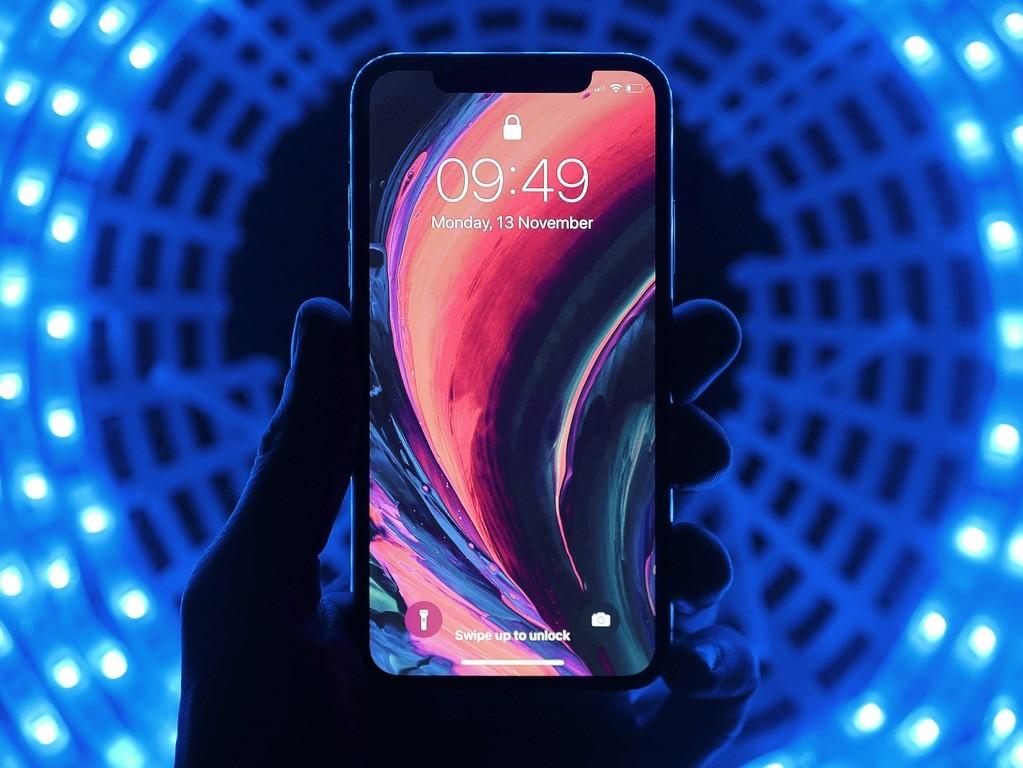
Every iOS developer knows that Apple Inc. has a well-known tradition to introduce its iPhones every fall. In September 2018 the company announced two expensive models iPhone XS and iPhone XS Max with the cheaper version - iPhone XR. The last one was meant to become an ideal option for those loyal customers willing to purchase the latest Apple's smartphone at the lowest price.
For the reason that iPhone XR has a brand-new 6.1-inch LCD display, it seems that iOS developers will have to deal with a new unique device screen to test the apps and be sure that UI elements behave the same on all devices.
So, what are the possible ways for iOS developers to find their feet quickly in adjusting their applications for iPhone XR?
Read also: How to Launch Your App from Old Xcode on Newer iOS Devices
Screen Resolution Challenge
iPhone XR is an Apple's smartphone having an LCD display as the company has a brave plan to use OLED displays on all its devices permanently. Apple Inc. provided the XR with the unique 1792*828 screen resolution with a density of 326 pixels per inch.
Being the only Apple's smartphone with such a screen resolution, iPhone XR requires mobile app developers to be meticulous when trying to run their applications consistently on this new-generation model.
Experienced IOS developers are well aware of the importance of defining common interface elements for all Apple's devices in order to ensure the appropriate appearance of the app on both iPhones and iPods regardless of the dissimilarities in their screen resolution.
As it is necessary to use the UIKit framework in order to build an app interface of a particular choice, iOS developers should be deliberate when attempting to run their product on iPhone XR. They should be focused on avoiding typical problems, such as cropping, pillar boxing, or letterboxing to make their interface elements visible and functional on this device.
Read also: How to Build a Mobile App Startup that Actually Makes Money
Haptic Touch Challenge
Another potential challenge for iOS developers lies in the fact that Apple Inc. empowered this model with Haptic Touch instead of previously used 3D Touch technology. Hence, those individuals who get used to developing their apps for Apple devices equipped with 3D Touch should be prepared for either hiding these features or providing their products with Haptic Touch hardware.
Obviously, the use of automatic layout can become the most effective solution that has the potential to enhance the process of adjusting the app and displaying its content on the XR consistently. At the same time, the automatic layout function will still require them to check the app on more simulators and compare their behavior on different Apple devices prior to marketing their apps.
However, iOS developers are really blessed by fate as Apple Inc. has a modest variety of screen resolutions compared to the abundance and diversity of Android devices. In case running an app on the XR consistently is followed by challenges, expert advice on fixing this problem becomes a must.
Final Words
TopDevs IT experts with proven purview in IT issue resolution, including iOS app development, can serve as a lighthouse to show the way to a successful product launch.
Contact us directly to create a mobile app and increase the chances of success backed up with TopDevs' expertise!
Your idea - our execution. Let's create meaningful solutions together!
Contact ustags